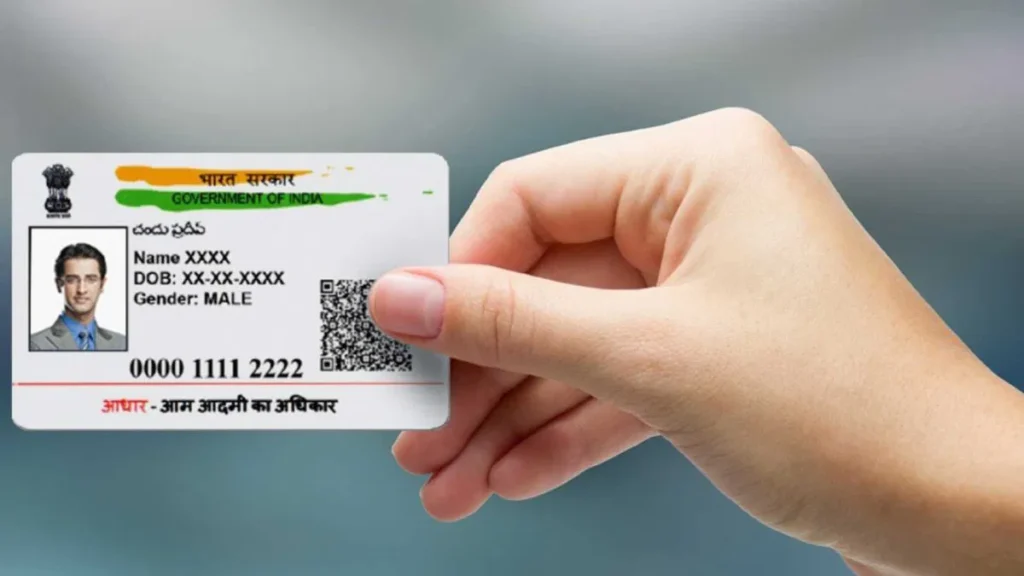
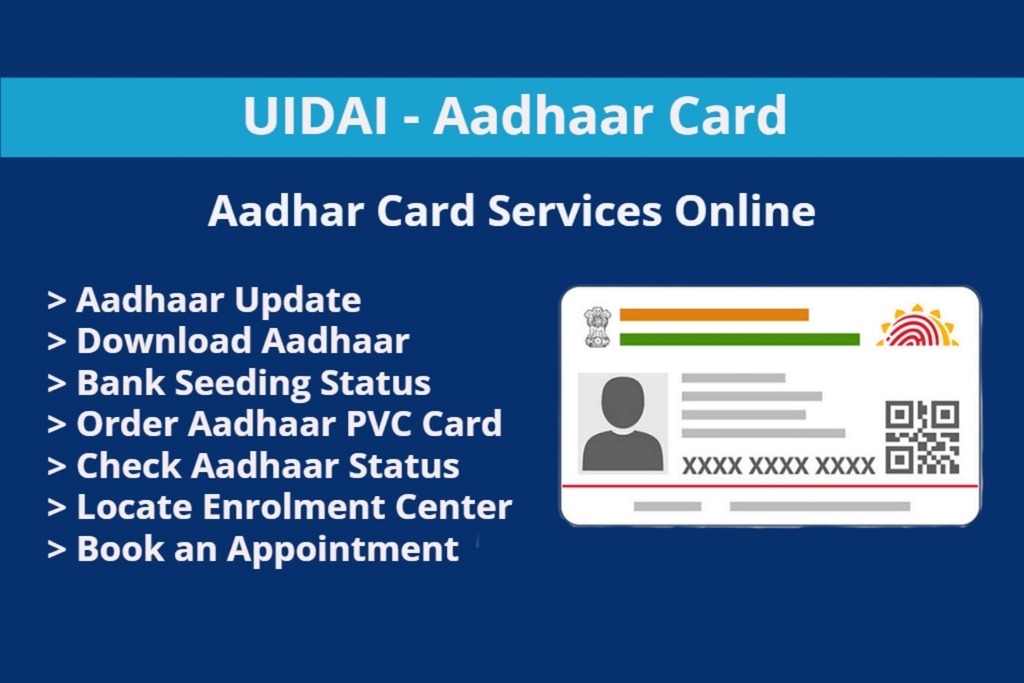
Download Aadhaar Card Without Mobile Number. Losing access to your registered mobile number can be super frustrating — especially when you urgently need your Aadhaar card for something important like opening a bank account, verifying your identity, or filling out a government form.
But here’s the good news you can still download your Aadhaar card without a mobile number.
Yes, even if your SIM is lost, disconnected, or never linked in the first place — there are official ways to get your Aadhaar back safely.
In this complete step-by-step 2025 guide, I’ll walk you through three simple methods anyone can use to download or get their Aadhaar card without relying on OTP. No complicated jargon — just clear instructions and a friendly tone
Even if your mobile number isn’t active or linked anymore, you can still download your Aadhaar card without mobile number using a few alternative methods provided by UIDAI.
In this 2025 step-by-step guide, we’ll walk you through three easy methods to get your Aadhaar digitally or physically, without relying on OTP verification. Whether you have your Enrolment ID (EID), access to DigiLocker, or prefer visiting an Aadhaar Seva Kendra, this article covers it all.

Table of Contents
ToggleMethod 1: Using Your Enrolment ID (EID)
This is the most reliable method if your phone number isn’t linked. When you applied for Aadhaar, you got an Enrolment Slip. On it, there’s a 28-digit Enrolment ID (EID) — this is your key to downloading Aadhaar without OTP.
What You’ll Need:
-
Your Enrolment ID (EID) – printed on the enrolment slip.
-
Your name (as on Aadhaar)
-
Your PIN code
-
Access to your email (optional but helpful)
Step-by-Step Guide:
-
Go to UIDAI’s Official Website
https://uidai.gov.in Click on “Download Aadhaar”
-
You’ll find this under the “My Aadhaar” section on the homepage.
-
Select the ‘Enrolment ID (EID)’ Option
Instead of choosing the Aadhaar number (UID), select “Enrolment ID (EID)”. -
Enter Your Details Carefully
-
Enrolment ID (EID)
-
Full Name
-
Pin Code
-
Security Captcha
-
-
Choose Alternative Verification
If your mobile number isn’t linked, you may be able to verify using registered email ID. UIDAI also sometimes allows a masked download (limited) without OTP. -
Download Your e-Aadhaar PDF
Once verified, you can download your Aadhaar instantly in PDF format.
Method 2: Using the DigiLocker App
If you’ve ever set up a DigiLocker account, this method is a lifesaver. DigiLocker is a government-approved app that stores official documents digitally. Once your Aadhaar is linked to DigiLocker, you don’t need OTP every time to download it.
What You’ll Need:
-
A DigiLocker account (with your Aadhaar already linked — even if your SIM isn’t active now)
-
Internet connection
-
Your login credentials
Steps to Download Aadhaar via DigiLocker:
-
Install & Open DigiLocker App
Download from Google Play Store or Apple App Store. -
Login to Your Account
You can log in using your username/password or your Aadhaar number (if already linked earlier). -
Go to ‘Issued Documents’ Section
On the home screen, tap on “Issued Documents.” This is where Aadhaar is usually stored. -
Link Aadhaar if Not Already Linked
If this is your first time, you might have to enter your Aadhaar number. Sometimes, DigiLocker lets you verify through email or simple KYC, not always needing OTP. -
Download the PDF Aadhaar
Tap the Aadhaar document → hit download. You’ll get an official UIDAI-signed PDF, accepted everywhere.
| No need for OTP every time |
| Government approved & secure |
| Works even if your mobile number is not active now |
| Valid for all legal purposes |
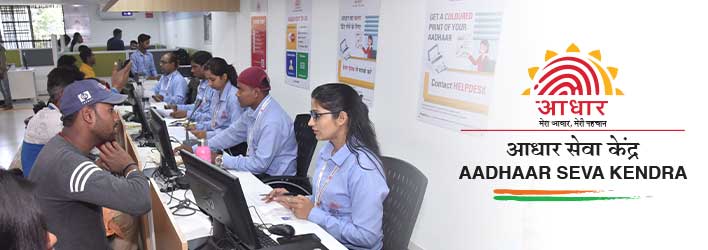
Method 3: Visit an Aadhaar Seva Kendra (Offline Option)
If you don’t have your EID or DigiLocker, don’t worry. You can still get your Aadhaar the old-school way — by visiting a nearby Aadhaar Seva Kendra (ASK) or Common Service Center (CSC).
What You’ll Need:
-
A valid government ID (PAN Card, Voter ID, Passport, etc.)
-
Optional: proof for mobile number update
-
Your biometrics (fingerprint / iris scan)
What to Do:
-
Find the Nearest Aadhaar Center
Locate Center on UIDAI’s website and pick one near you. -
Carry Your ID Proof
This will be used to confirm your identity. -
Fill the Aadhaar Reprint or Mobile Update Form
Ask for help at the center if needed — staff are usually helpful. -
Biometric Verification
Since you don’t have OTP, they’ll verify your identity using fingerprint or iris scan. -
Get Aadhaar Print or Reprint
-
Some centers can print it instantly for a small fee.
-
Or, they’ll order a reprint which arrives by post in 7–10 working days.
-
| Any valid ID proof | Instant print or 7–10 days for reprint |
| Biometrics | Required for identity verification |
Bonus: Update Your Mobile Number for Future
Once you get your Aadhaar, I highly recommend updating your current mobile number so future downloads are quick and easy.
How to Update:
-
Visit UIDAI Update Portal
-
Book an appointment at your nearest Aadhaar center
-
Take your ID proof
-
Fill out the mobile update form & do biometric verification
-
Wait 7–10 working days for the update to reflect
FAQ – Aadhaar Download Without Mobile Number
1. Can I download Aadhaar without OTP?
Yes . You can use your Enrolment ID, DigiLocker, or visit an Aadhaar Seva Kendra for biometric verification. These methods work even if your mobile number is not active.
2. Can I download Aadhaar if my phone number is not registered?
Yes. UIDAI gives alternative methods like EID + Email verification or offline biometric verification at a Seva Kendra.
3. What if I forgot my EID?
You can retrieve it online from UIDAI’s “Retrieve Lost EID/UID” page using your name and email/phone number.
4. How long does it take to get updated Aadhaar?
Usually 7–10 working days after updating your mobile number at the Aadhaar center.
5. Is DigiLocker Aadhaar valid everywhere?
Absolutely. DigiLocker Aadhaar is legally valid and accepted by all government and private institutions across India.
6. Can I use someone else’s phone to download Aadhaar?
You can, but only if you have your EID and email or you log into your own DigiLocker. Never share your EID with strangers.